Modern Authoring Tool for Certified Human AuthorshipModernModernAuthoringAuthoringToolToolforforCertifiedCertifiedHumanHumnaHumanAuthorshipAuthorship
MATCHA is a combined word processor and browser that lets anyone
prove their authorship with certified documents and process evidence.
Its
locked-down mode
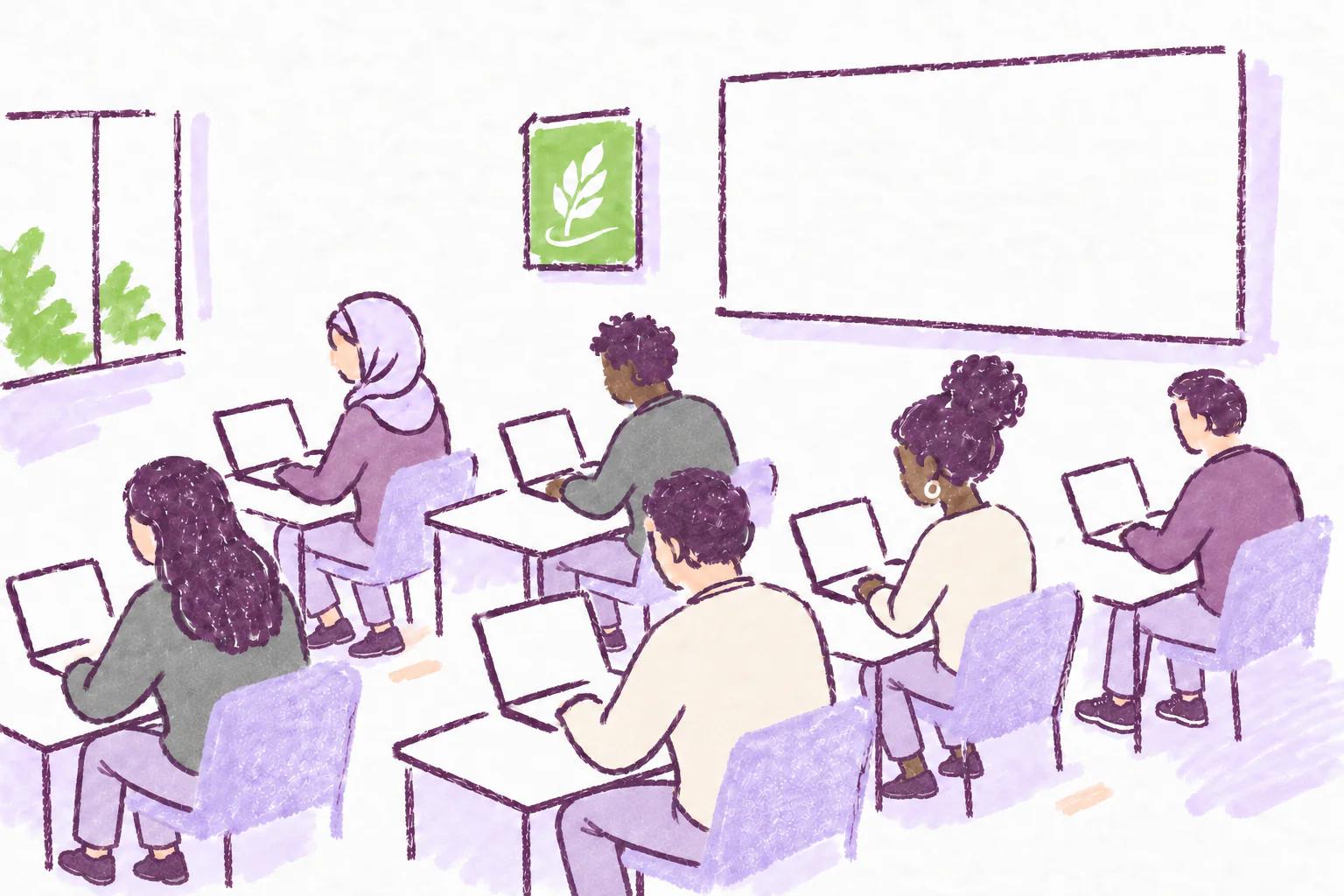
can secure in-person exams and
follow-up quizzes.
MATCHA makes AI misuse impractical so policing is unnecessary.
How? Users cannot use copy-paste, auto-typers, or computer-controlling agents to inject content in MATCHA.
MATCHA records all work done, from reading in its built-in browser to note-taking and editing in its
editor. AI cannot reproduce this history.
Auto citation, history replay, and reading tracking
Research
Draft
Revise
Get certified documentsSee the process behind the output.
INTEGRITY AND PRODUCTIVITY
An authoring environment that does it all.
MATCHA Writer promotes integrity and productivity for all, from
undergraduate students to professors and independent authors.
Productivity
A full word processor. With research built in.
Read in MATCHA’s built-in browser, keep notes beside your draft, and cite as you write with Auto
Citing and Direct Citing. Tables, figures, footnotes, visual math, and LaTeX output are all
included.
The Complete Work History feature gives you a way to show your research, note-taking, drafting,
and revision. MATCHA outputs signed .docx files that can be read by all major word processors and
verified as having been produced by MATCHA.
MATCHA’s whole-process pedagogy provides students with richer feedback while making AI misuse
impractical. Instructors reward the process, not just the outcome, encouraging good methods and
penalizing plagiarism.
MATCHA’s optional, instructor-configured AI assistant can offer help with grammar, style, and, if
desired, composition. Best of all, it has a pedagogical mode, in which it guides students to make
their own corrections, facilitating learning.
At home, the process history gives
students a way to show their research,
note-taking,
drafting, and revision. Educators can award credit for that process, while in-person
Follow-up Quizzes
give students a chance to explain and reflect on their work. Together, these tools support academic
integrity without relying on AI detection, plagiarism checking, or heavy-handed surveillance.
MATCHA prevents AI misuse on the student’s computer with
Locked-Down Mode protection
and
Copy-Paste Control, while the instructor ensures no other device is used. Unlike locked-down browsers designed for
taking exams on LMSes, MATCHA is a
full word processor, which is both better for writing and better for preventing AI misuse. MATCHA can
also act as a
locked-down browser for quizzes.
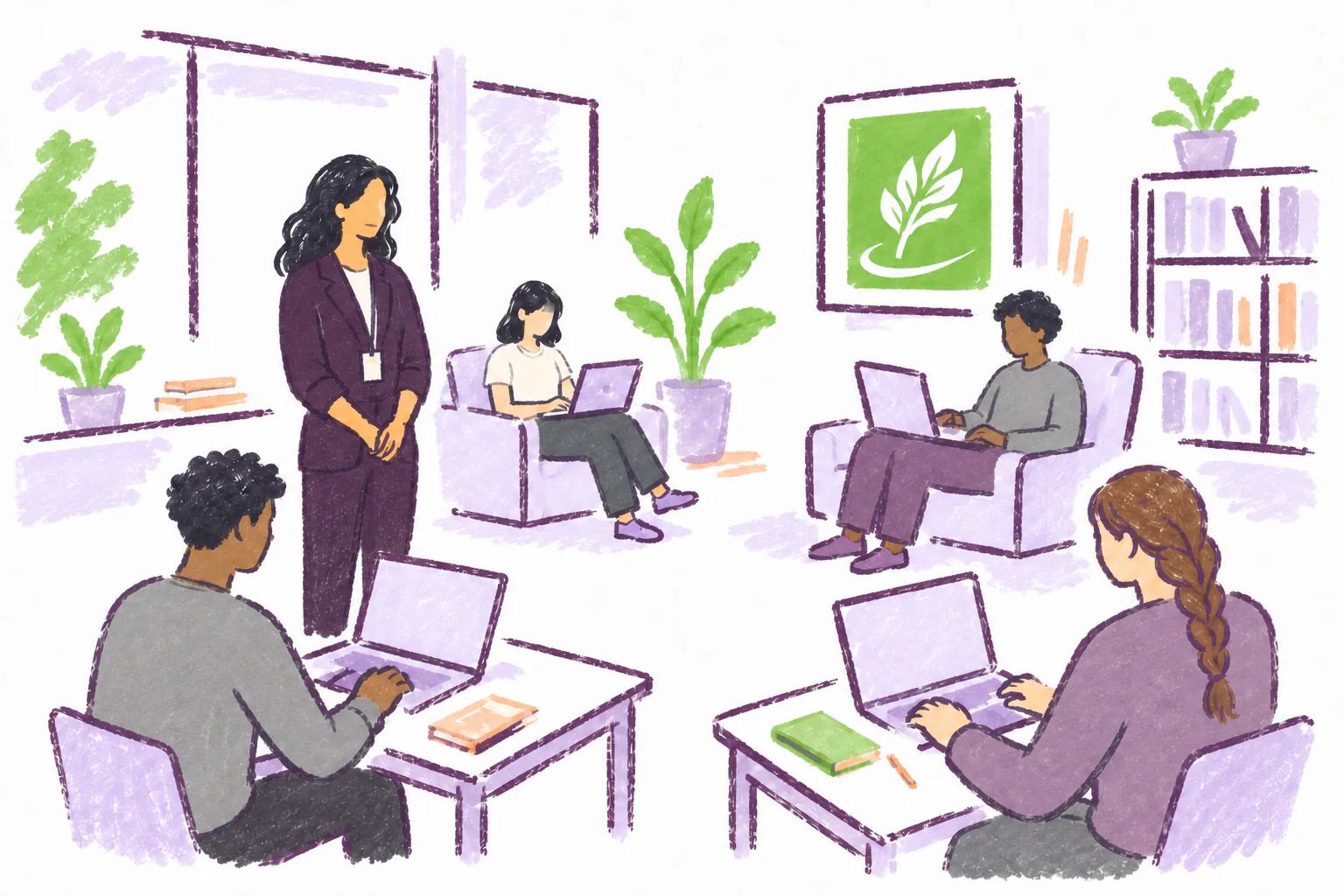
A MATCHA-enabled innovation, supervised writing labs let students work on their own time. MATCHA’s
unique Check-In feature
ensures students work on their assignments only while checked into a lab. By repurposing existing
space and teaching resources, this new approach enables fair essay assessments in the age of AI while
improving students’ experience through increased support and community.
Universities can use MATCHA to secure at-home essay writing, in-person writing, and LMS-hosted quizzes.
Since it’s also a locked-down browser, MATCHA can save you big by replacing three or more costly tools.
In the age of AI, anyone’s work can be questioned. The value of genuine human authorship is at risk of being
lost.
Be ready to prove your work by writing in MATCHA. As a bonus, you will have access to powerful tools such as
Auto Citing,
Direct Citing, and
a fully auditable integrated
AI assistant that can be
strictly limited to copy-editing.
MATCHA is a combined word processor and browser that lets anyone prove their authorship by blocking
automation and recording their complete process, including reading, note-taking, and editing. It brings
research, writing, and referencing into one workspace. For school work, it supports whole-process
assessments that give richer feedback, while locked-down mode secures in-person exams and follow-up
quizzes. Educators and editors can assess the work and how it was produced, without relying on AI
policing.
Is MATCHA an AI detector?
Not primarily. AI detectors guess from the finished text. MATCHA makes AI misuse impractical instead: it
blocks or marks outside text and automated input, and it documents the whole writing process. Educators
can review work history, use follow-up quizzes, or choose supervised writing with locked-down mode
instead of relying on AI-detection scores. For a closer look, submissions can be flagged based on their
process metrics (such as reading time and character churn) and automated AI transcription detection. A
complete replay is also possible.
How do you stop students from using their phone on the side?
At home, we don't! But using AI on the side doesn't allow students to avoid doing work because they need
to show their entire process, including reading, in MATCHA. See the
at-home assignments page for more
information on how MATCHA makes home assignments AI-resistant.
Can I use MATCHA for my own writing?
Yes. Students, academics, and independent authors can use MATCHA to research, take notes, manage
references, and write. Your writing history gives you a way to show how your work developed.
Does MATCHA allow AI assistance?
MATCHA includes an optional, auditable AI assistant. Instructors can configure what assistance is
available, including a pedagogical mode that helps students make their own corrections. AI assistance
can be fully disabled.
How can I try it with my class?
Create an instructor account, set up a course and writing activity, then share the activity with your
students. The
Educator’s Guide walks you
through your first assignment. Students use the MATCHA desktop app to write.
What about student privacy?
MATCHA’s proctoring does not collect camera footage, microphone data, or screenshots. For instructor-led
activities, the Activity Summary explains what information is collected and who it is shared with before
a student starts. Collection depends on the features enabled for the activity, and institutions can
choose from several privacy levels. Installation does not require administrator privileges or special
operating-system permissions.
Explore privacy and data protection.
Can I still submit a Word document?
Yes. MATCHA saves your working project in its own .mcha format and can export signed Word-compatible
.docx files. It also supports PDF export via LaTeX and can import .docx and LaTeX files, although
formatting may need adjustment after import. Authorship certification is attached to signed .docx
exports and project histories, not to PDFs. Keep the original project when you want to preserve your
full writing history.
Learn about certified documents.
Teaching a course? Get 200 free activity seats.Sign up
with a verified academic email before October 23, 2026. Seats must be used
(first login) by December 31, 2026.
MATCHAModern Authoring Tool for Certified Human Authorship