

Check‑In
Require students to check in with a proctor, helping prevent off-site or unsupervised work. Check-in can happen before writing starts or after the fact.
Explore Check‑In on the Features pageMATCHA Writer for educators
Supervised writing labs are supervised spaces where students can work on their long assignments in their own time.
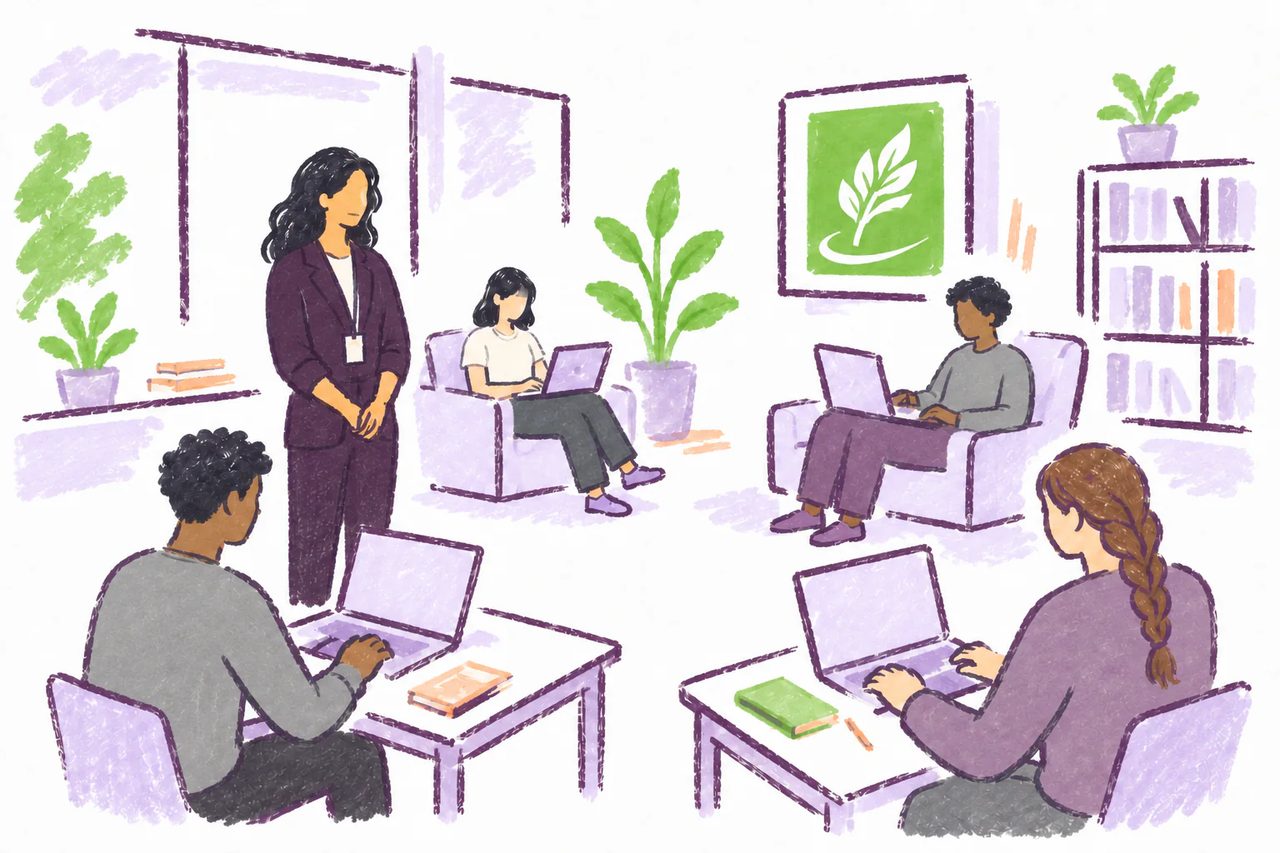
An innovative solution to the problem of AI misuse in essay assignments is to require students to work on their essays exclusively within a supervised writing lab. MATCHA's Locked-Down Mode prevents AI misuse on students' laptops while the supervisor prevents a secondary device from being used. A supervised writing environment is an opportunity to create community and support students' AI-free writing experience with qualified supervisors.
 In the newsProf David Bourget discusses his MATCHA Writing Lab with the Globe's Kelly Grant
How it works
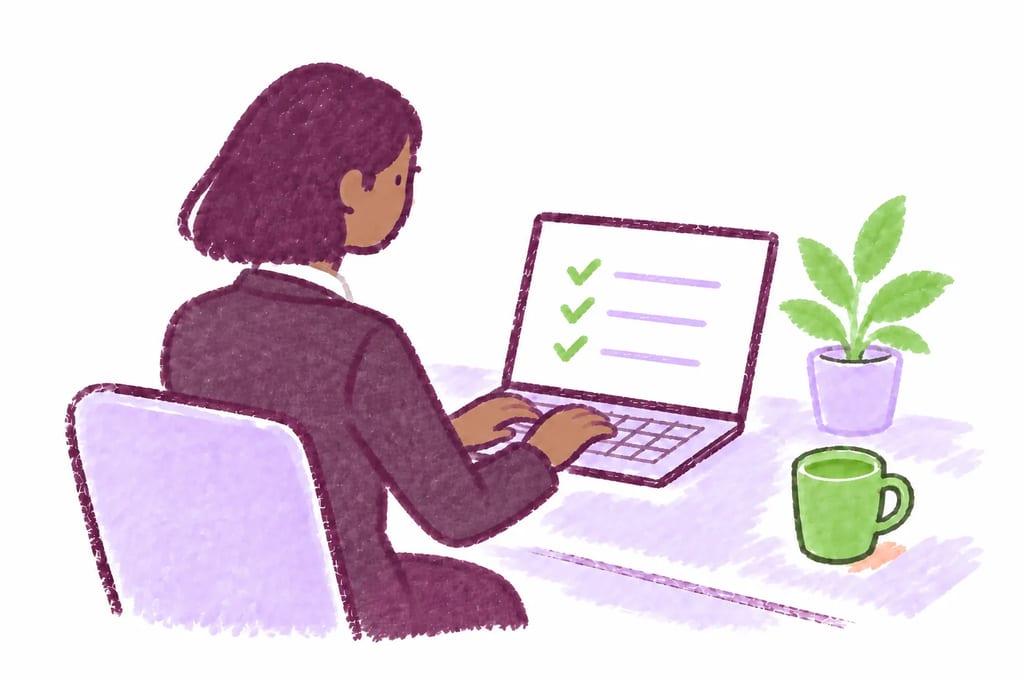
First, the instructor needs to secure a room and supervisors. They then use the MATCHA Dashboard to create an activity, enabling Check-In, Copy-Paste Block, and Locked-Down Mode.
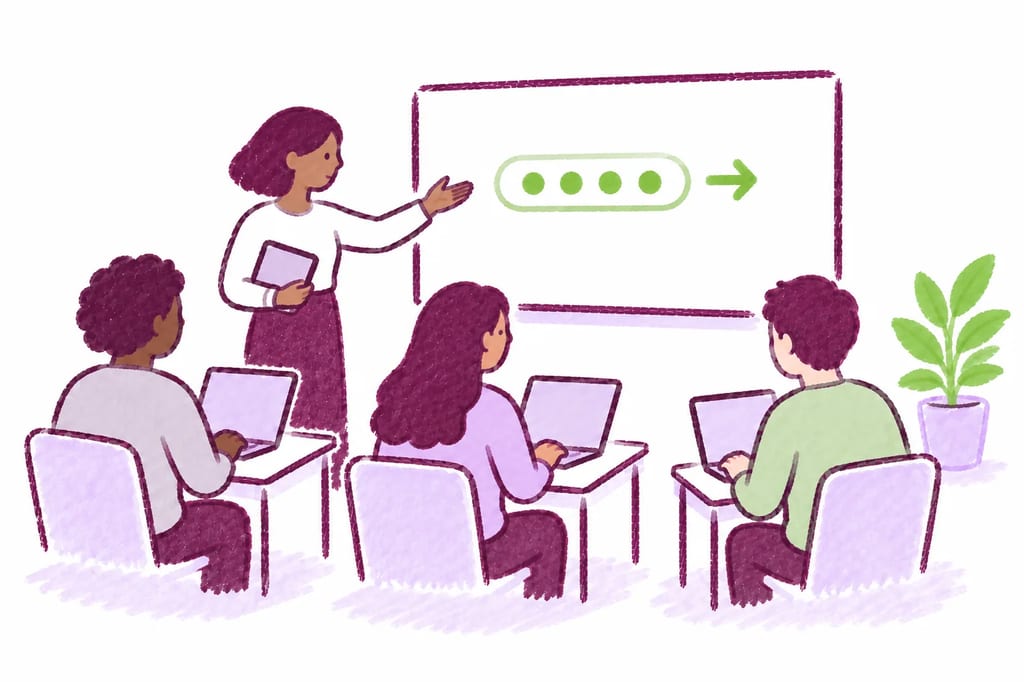
Students install MATCHA on their laptops, arrive at the lab, and use the provided access code or LMS link to start the activity.
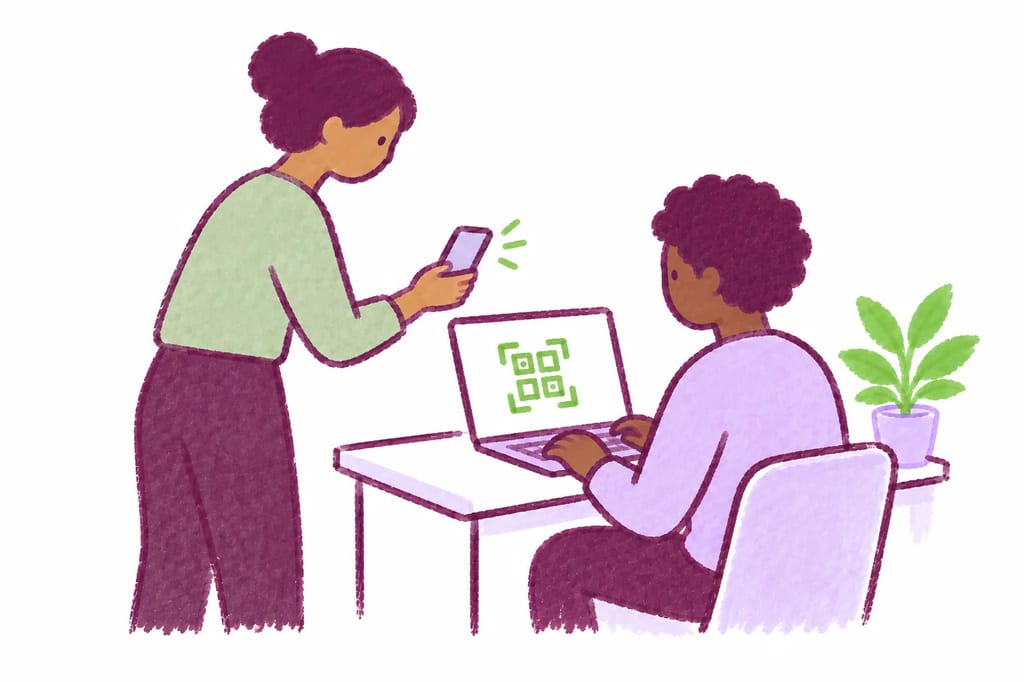
Students check in with a supervisor, who scans a QR code on their screen with MATCHA Proctor to unlock their project.
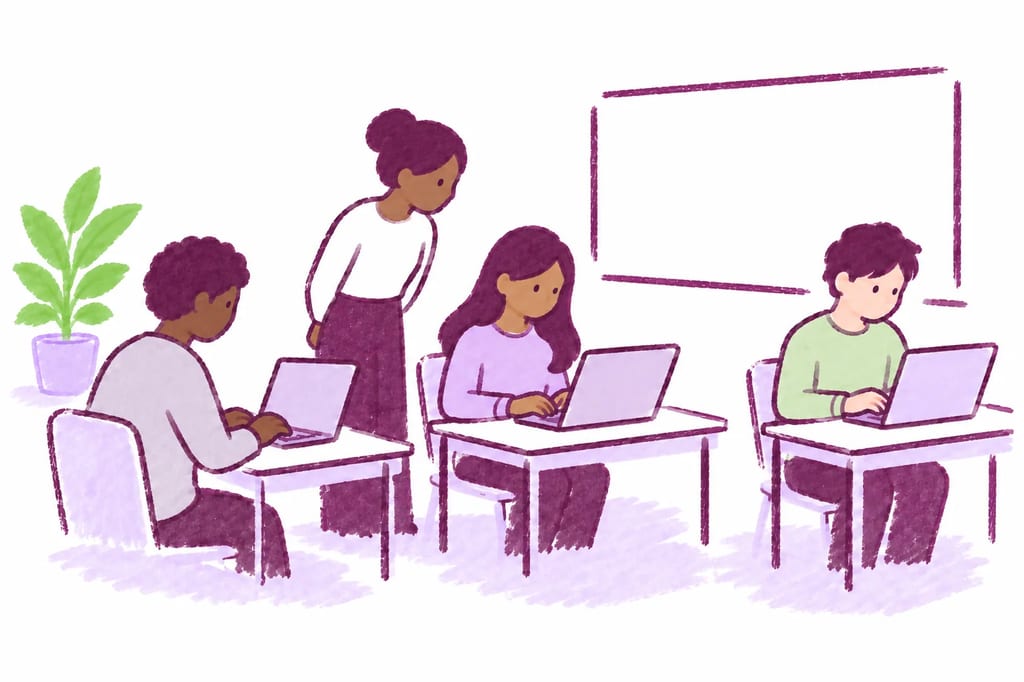
Students research, take notes, and write in MATCHA under supervision, using the built-in browser, notes, and AI assistant when enabled. MATCHA prevents AI misuse on the computer while the supervisor prevents students from using other devices.
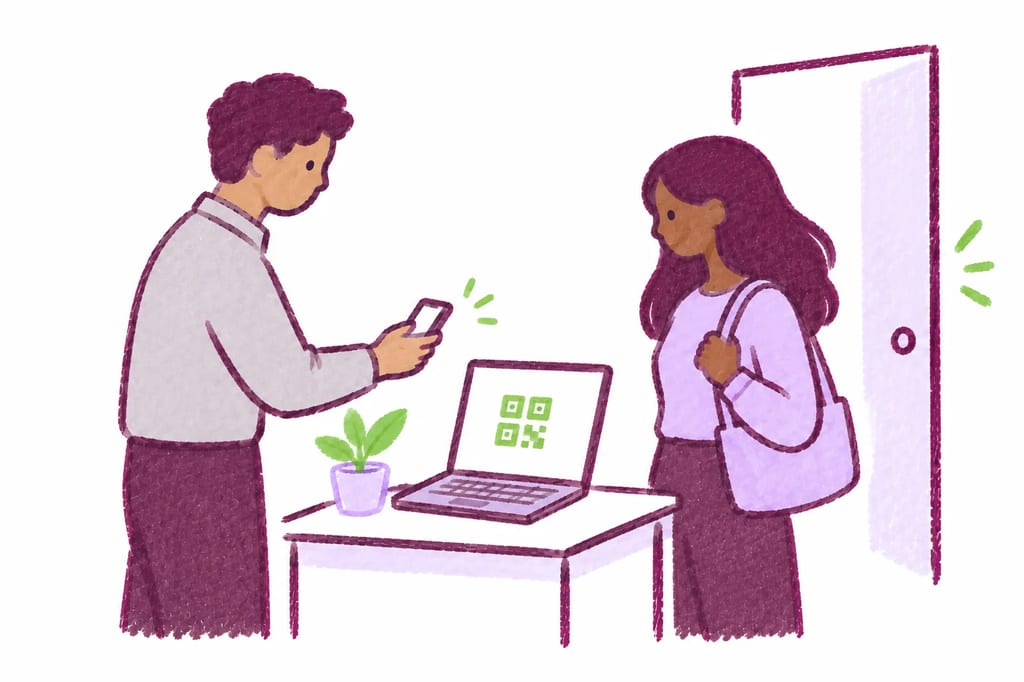
Students must check out with a supervisor every time they leave the lab, so they cannot continue editing their project from home. They can still read in MATCHA.
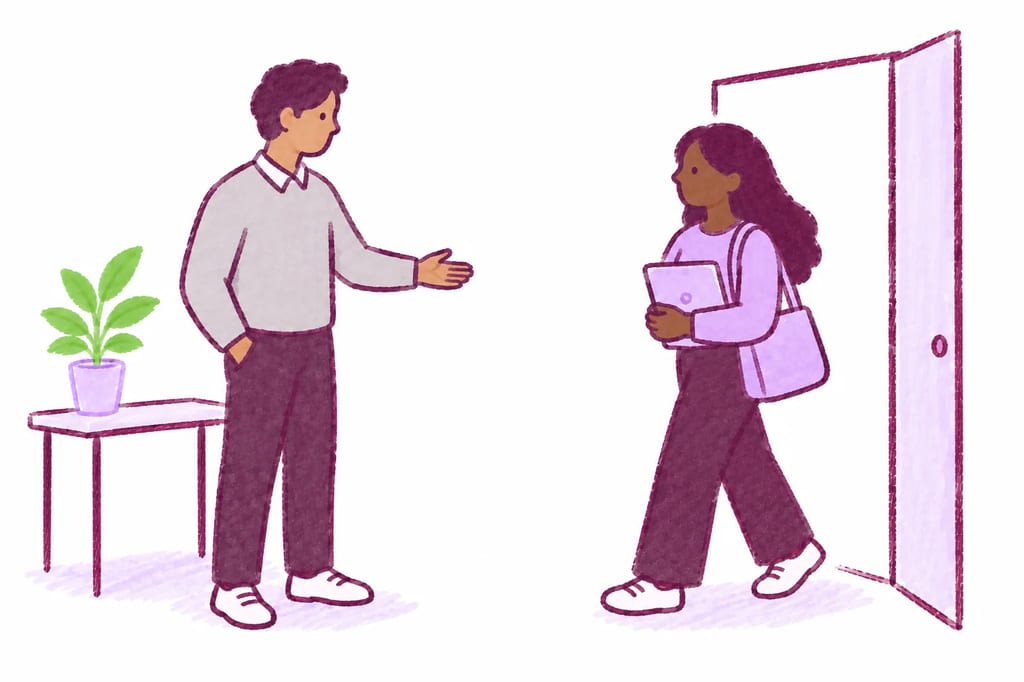
Students may return for multiple supervised sessions instead of completing everything in one sitting. They check in again before each session to continue their work on the same assignment.
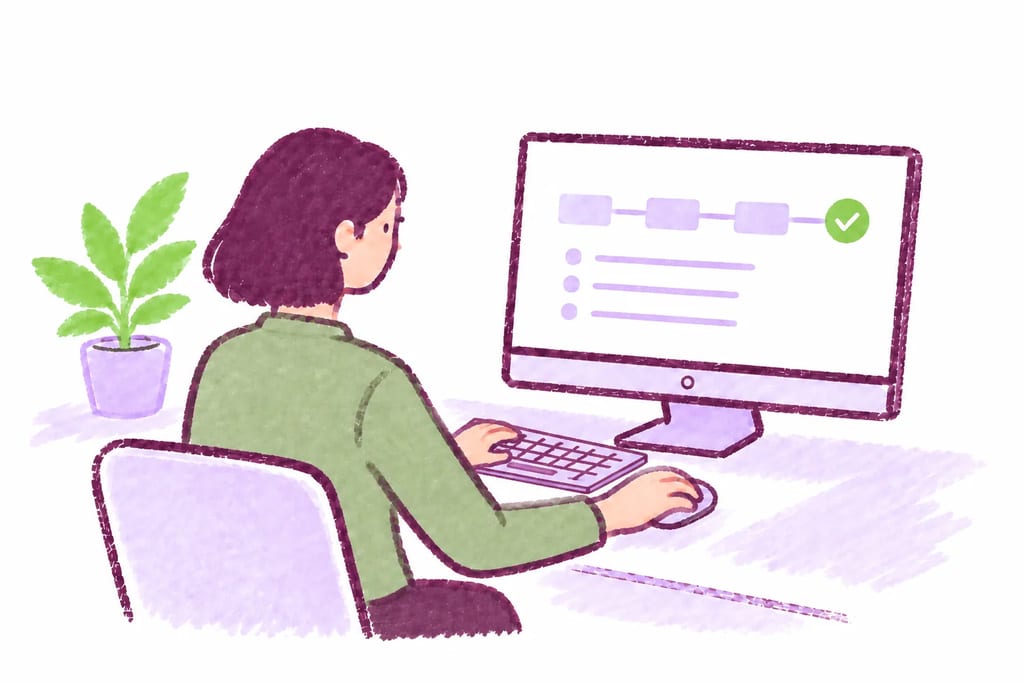
Students submit directly from MATCHA or export their work, according to the activity's submission settings. The instructor receives certified .docx or .mcha submissions.
Require students to check in with a proctor, helping prevent off-site or unsupervised work. Check-in can happen before writing starts or after the fact.
Explore Check‑In on the Features page
Students can use MATCHA's built-in browser for LMS pages, readings, and other approved sources without leaving the supervised workspace.
Explore Built-In Browser on the Features page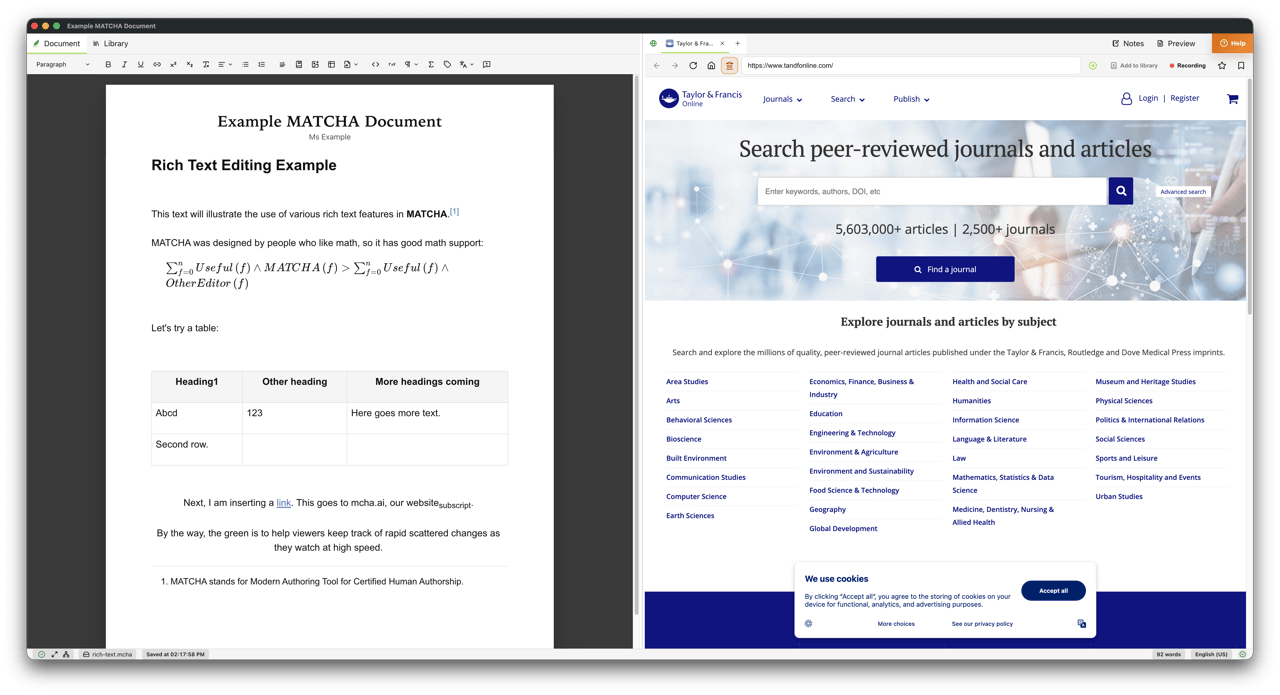

Block or track paste from outside MATCHA while preserving normal editing and in-app browser copy/paste. Unlike browser-based edit-tracking editors, MATCHA also blocks auto-typing software and other forms of unauthorized assisted text entry.
Explore Copy‑Paste Control on the Features page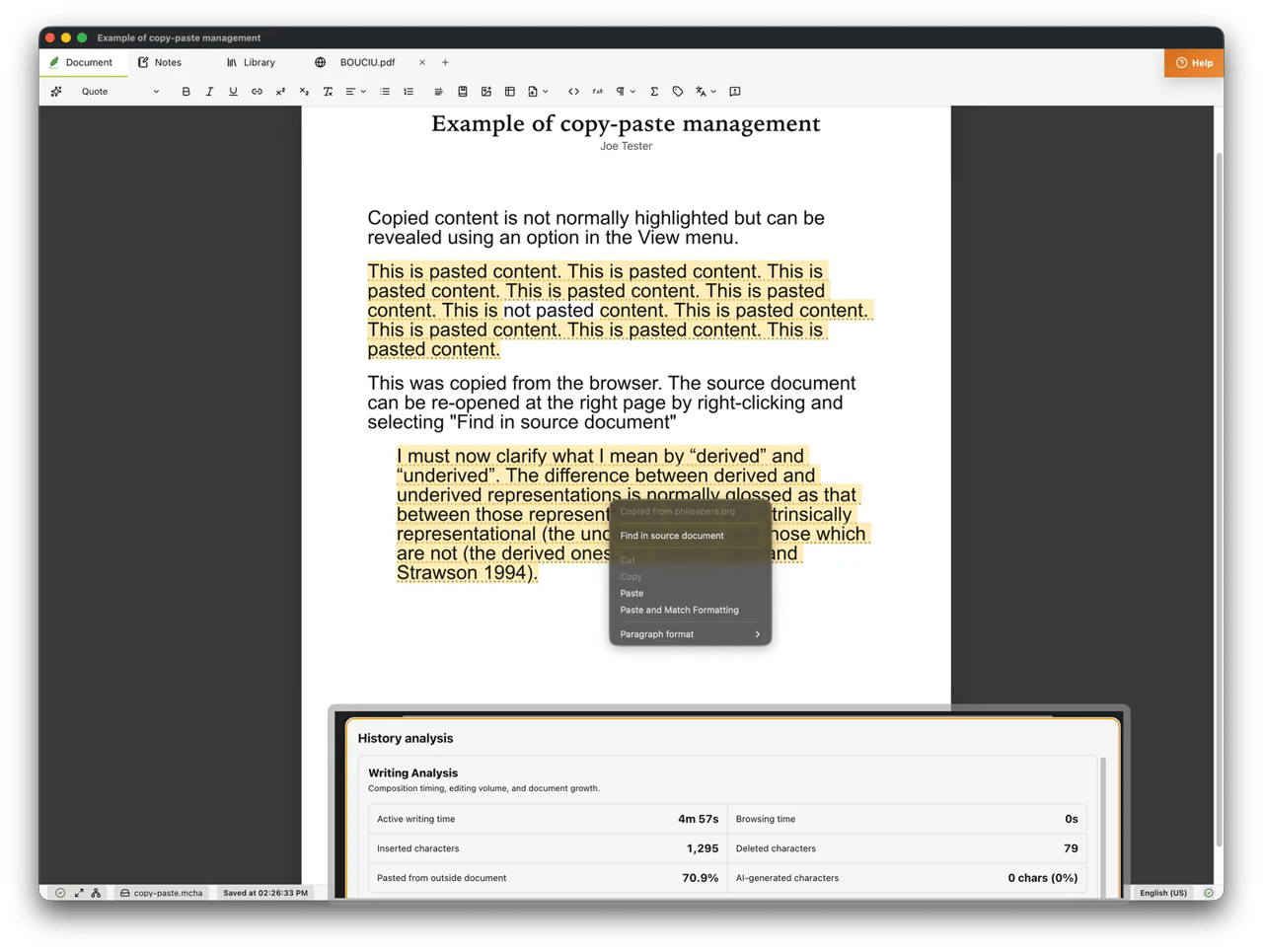

Enforce fullscreen and deter app switching so students stay in the activity environment. MATCHA also detects virtual machines and other methods commonly used to circumvent locked-down browsers.
Explore Locked-Down Mode on the Features pageMATCHA enables supervised writing labs by allowing writing supervisors to control when a document can be accessed and/or edited. Unlike traditional exam-taking software, MATCHA allows an activity to be continued across multiple sessions. No other product has equivalent functionality.
Case study
MATCHA began as a software solution for supervised writing labs at Western University. After experimenting with edit-tracking software, we found that far too many students, over 30%, were transcribing or auto-typing AI-generated essays. In most cases, however, the evidence was still not strong enough to support a formal academic offense charge. That limitation made edit-tracking alone an inadequate response.
MATCHA's authorship certification features have many other uses.
Create an instructor account with a verified academic email before October 23, 2026 and get 200 free student seats for this calendar year.