



'%3e%3cpath%20d='M10%2046%20H132%20V32%20L190%2060%20L132%2088%20V74%20H10%20Z'/%3e%3c/g%3e%3c/svg%3e)

Accessibility compliance
WCAG 2.1 AA compliant
MATCHA was designed for accessibility from the beginning. It is screen-reader-friendly and easy to navigate with a keyboard.
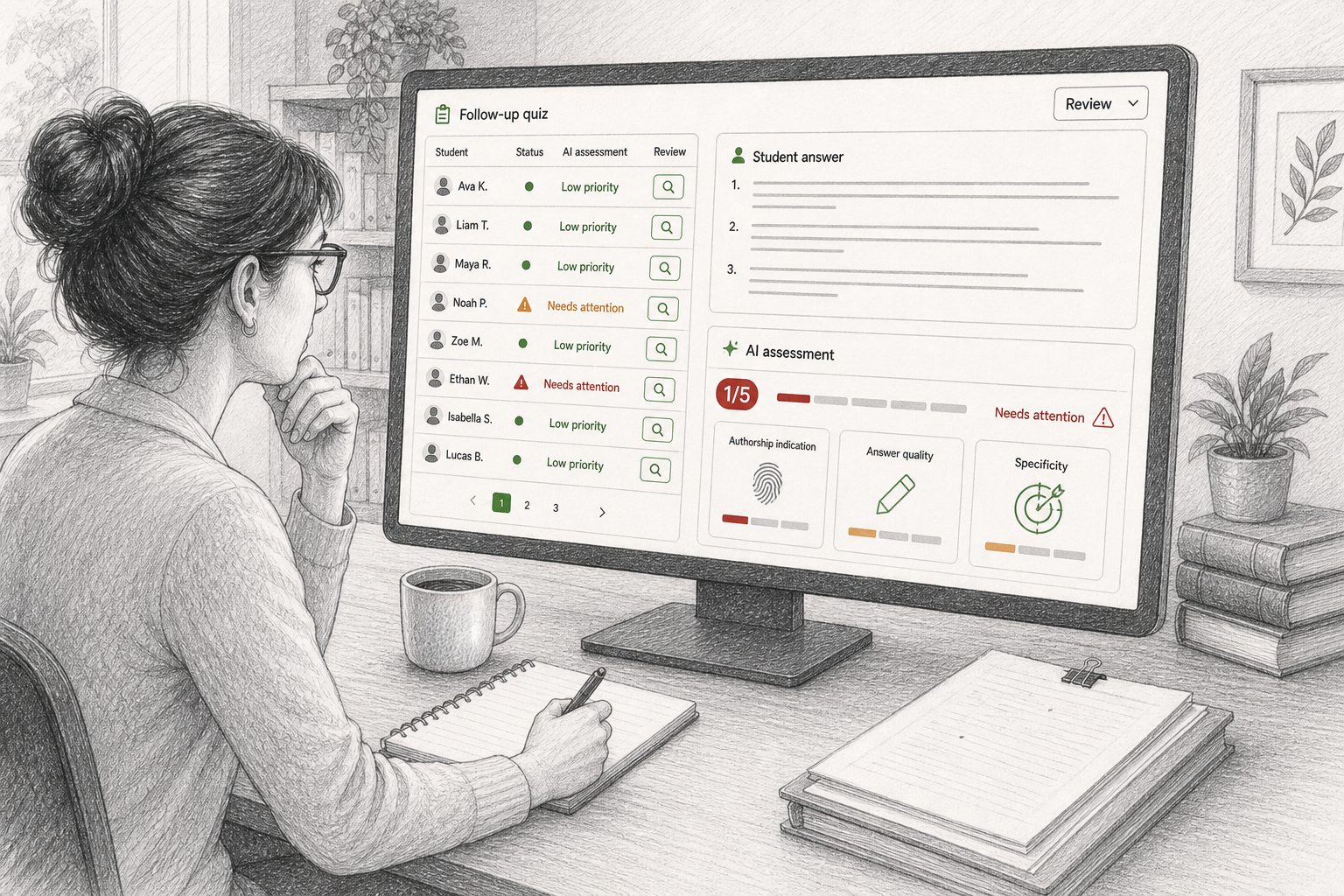
View accessibility detailsWhether your students are writing essays in class, in supervised writing labs, or at home, MATCHA secures writing by making the entire work process transparent to instructors, from reading to editing. It also blocks auto-typers and other forms of automation, securing writing at the source so you don't have to use AI detection after the fact.
Computers in the classroom pose a challenge to academic integrity. MATCHA secures computer-based writing activities against AI misuse by blocking copy-paste, app-switching, and automation—without requiring special privileges or invading students' privacy.
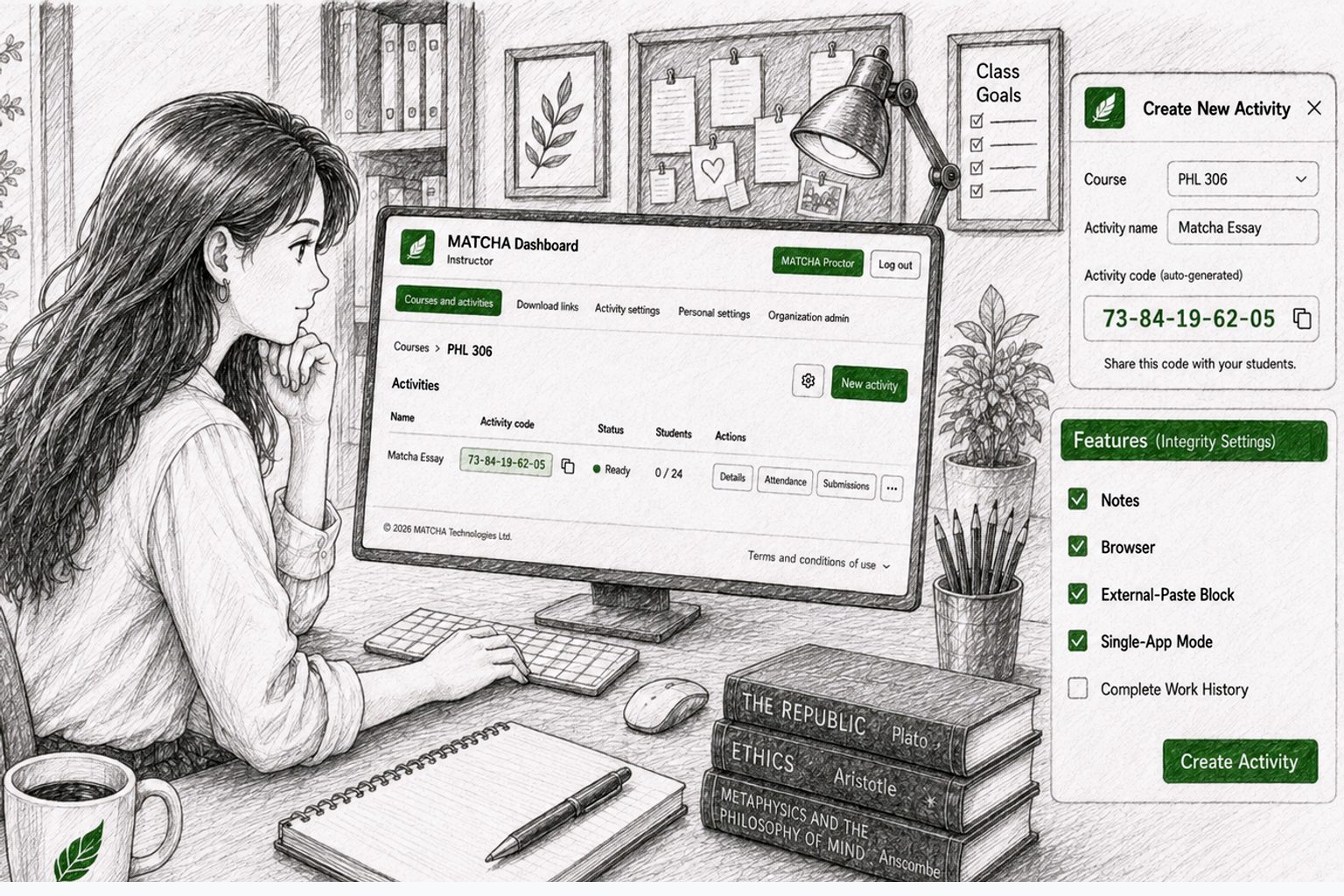
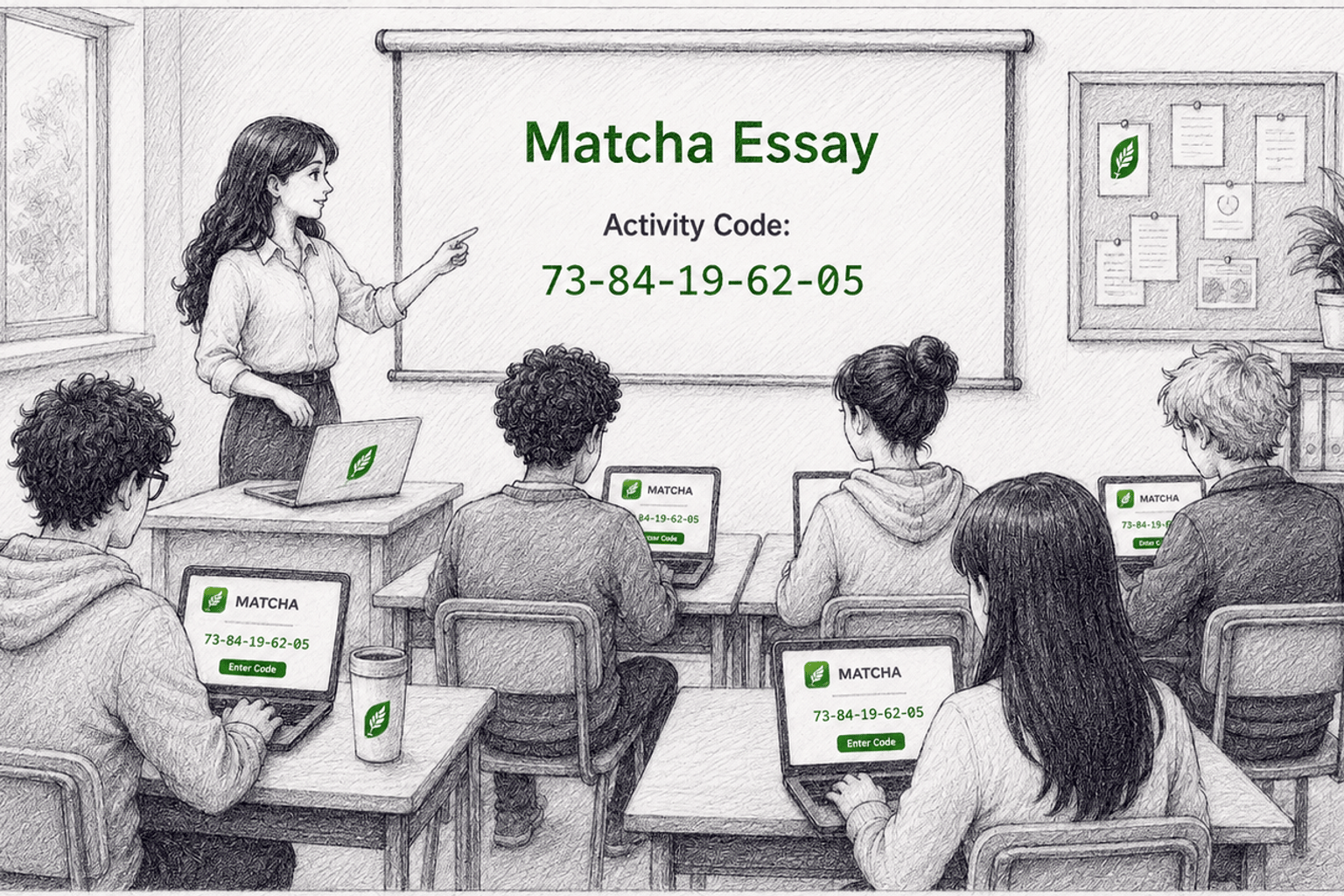
The instructor uses the MATCHA Dashboard to create an in-class activity, enabling Copy-Paste Block and Single-App Mode to prevent students from using AI tools outside of MATCHA.
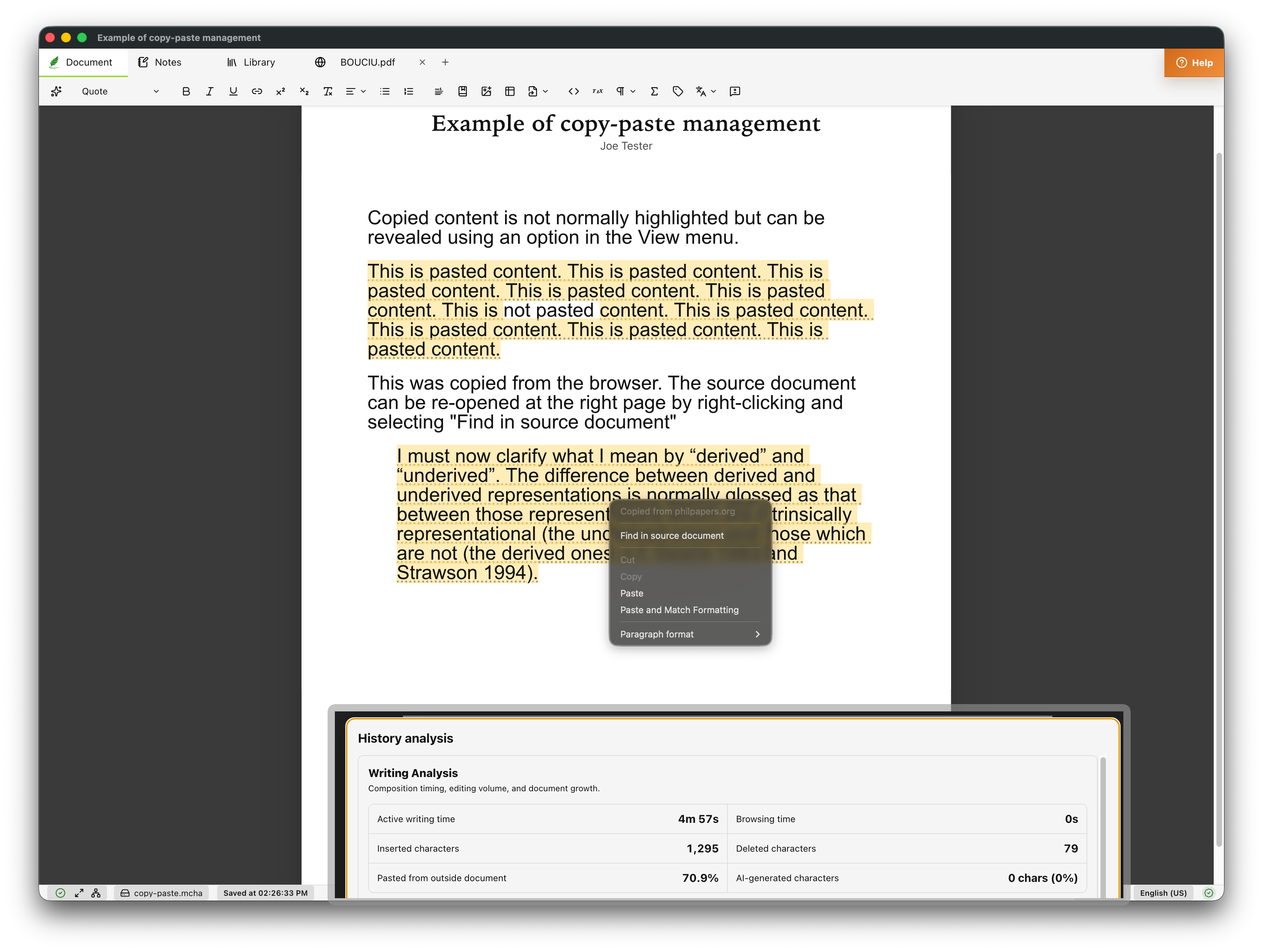
How MATCHA in the classroom compares to traditional proctoring or exam-taking software
At home, we cannot stop students from consulting AI on a secondary device, but we can still strongly de-incentivize AI misuse by making it no easier than doing the work for real. MATCHA achieves this with its Complete Work History and Follow-Up Quiz features. These are not AI detection tools. Complete Work History is a tool for students to share their entire work process (including reading and note-taking). Follow-up quizzes are an opportunity for students to further reflect on their work. These are pedagogical tools that happen to make AI plagiarism prohibitively difficult.
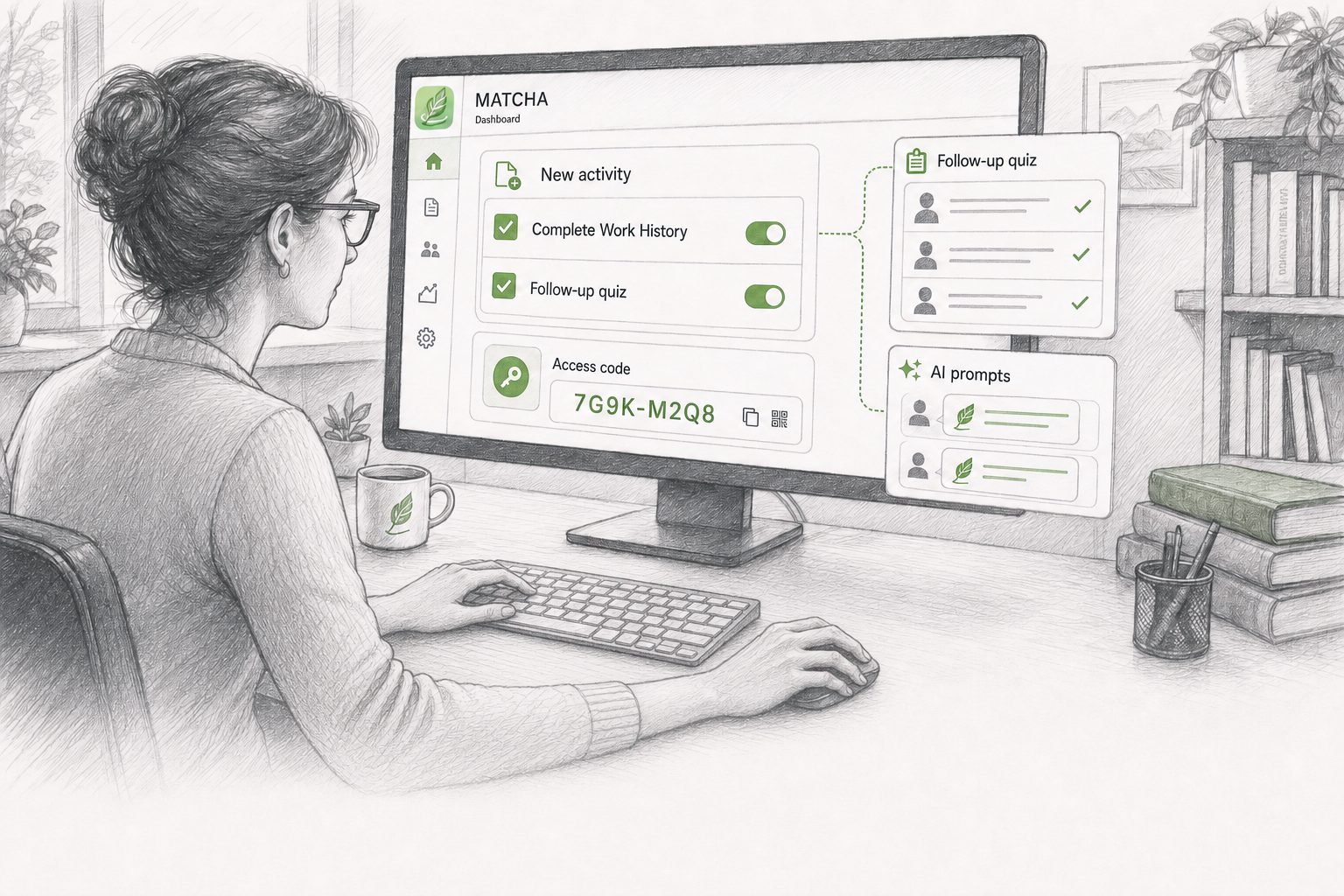
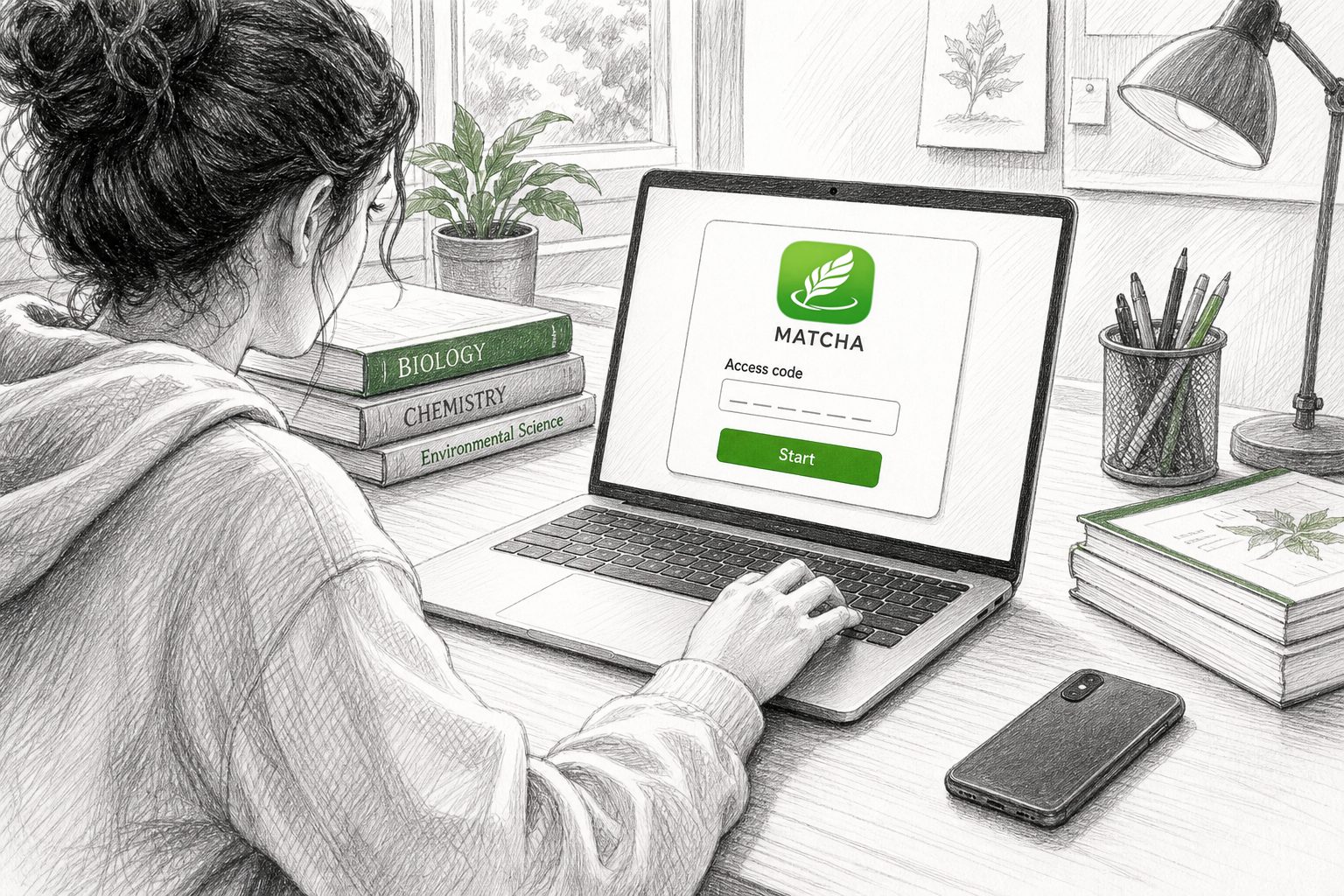
Instructors create unsupervised activities with the Complete Work History and Follow-up Quiz features. They distribute access codes to students. They prepare follow-up quizzes using generic (all students) questions as well as AI prompts for student-specific questions.
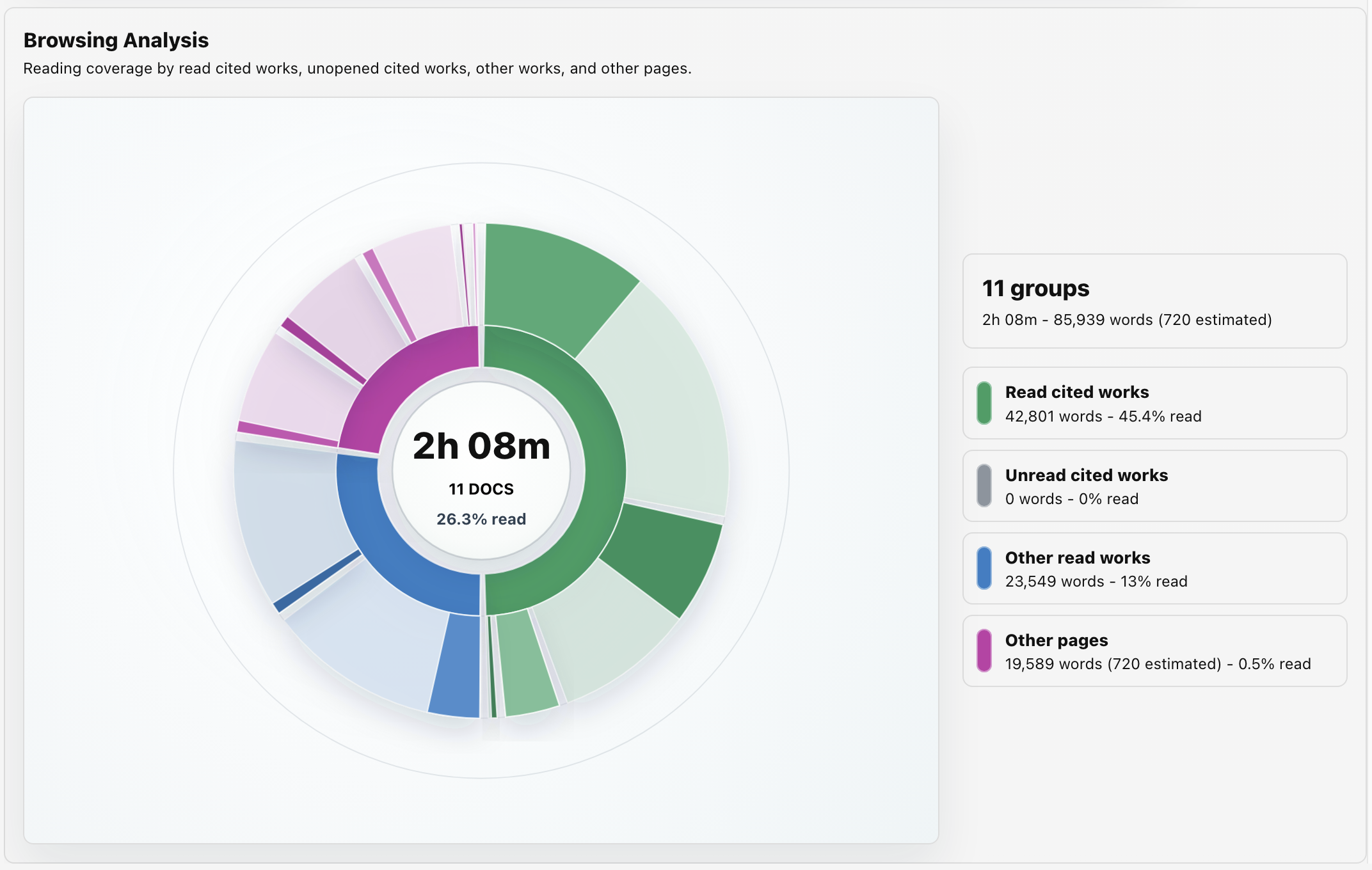
How MATCHA compares with other edit-tracking software when used at home
It can strongly deter it, but only when the work histories MATCHA generates are used as part of a process-centric pedagogy rather than merely as an academic-offense detection tool.
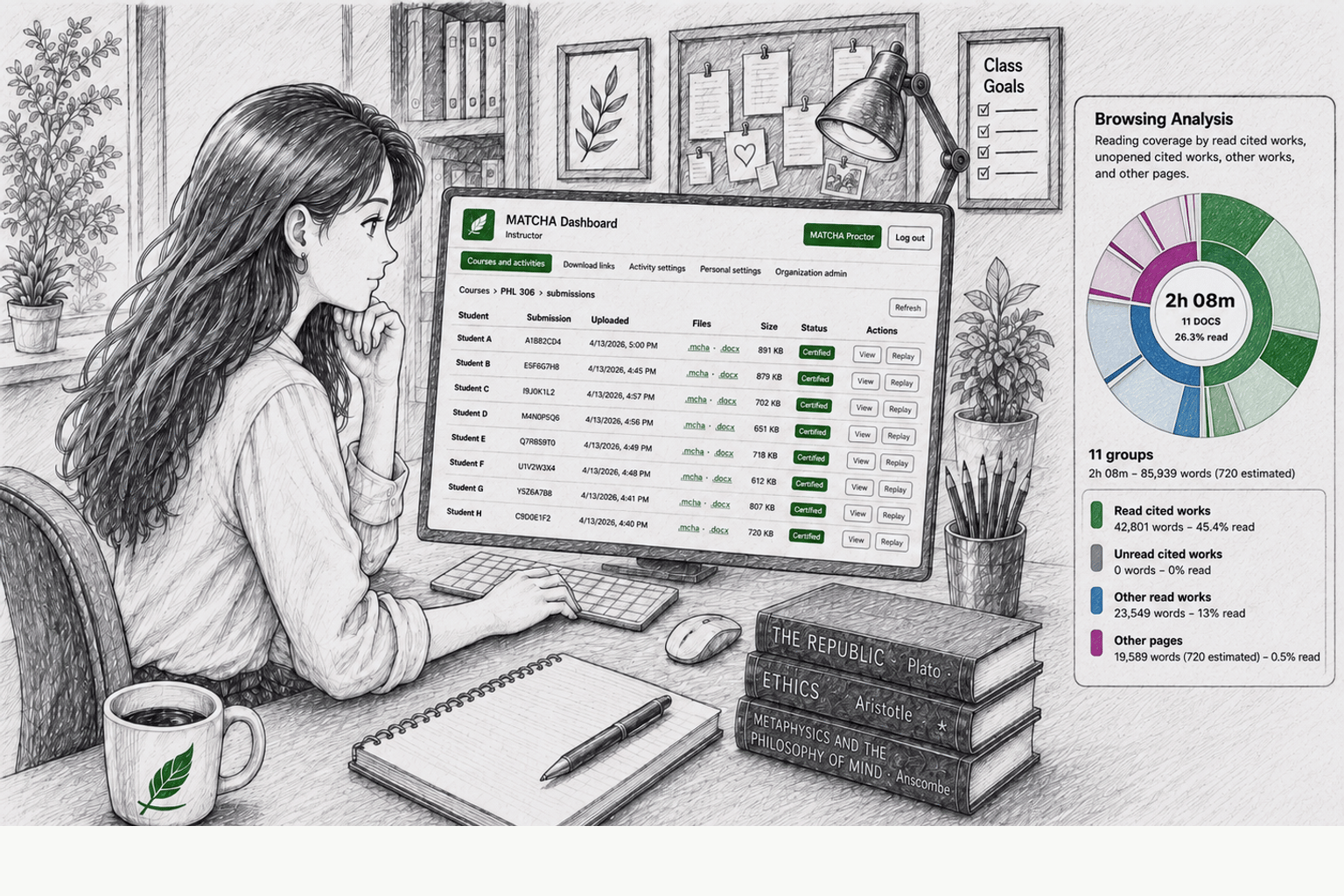
The best way to use MATCHA to prevent AI cheating at home is to reward students for their effort and the quality of their work, just as we reward students for showing their work on math problems in grade school. The work history that MATCHA generates should be used to reward students for following a good process—for example, reading the right works, taking clear and purposeful notes, and revising their text over time. Used this way, the work history both promotes deeper learning and strongly deters AI cheating.
Likewise, follow-up quizzes should be conceived of first and foremost as pedagogical tools. They are opportunities to help students deepen their reflection on their essays by answering tailored follow-up questions. Students should be rewarded with points for this work as well, both recognizing thoughtful work and further deterring AI cheating.
A student who is determined to avoid writing an original essay will always be able to do so when working from home. But a pedagogical approach that places process and follow-up reflection at the center of assessment makes it difficult to earn a good grade without doing the work. That is key to restoring fairness in at-home assignments.
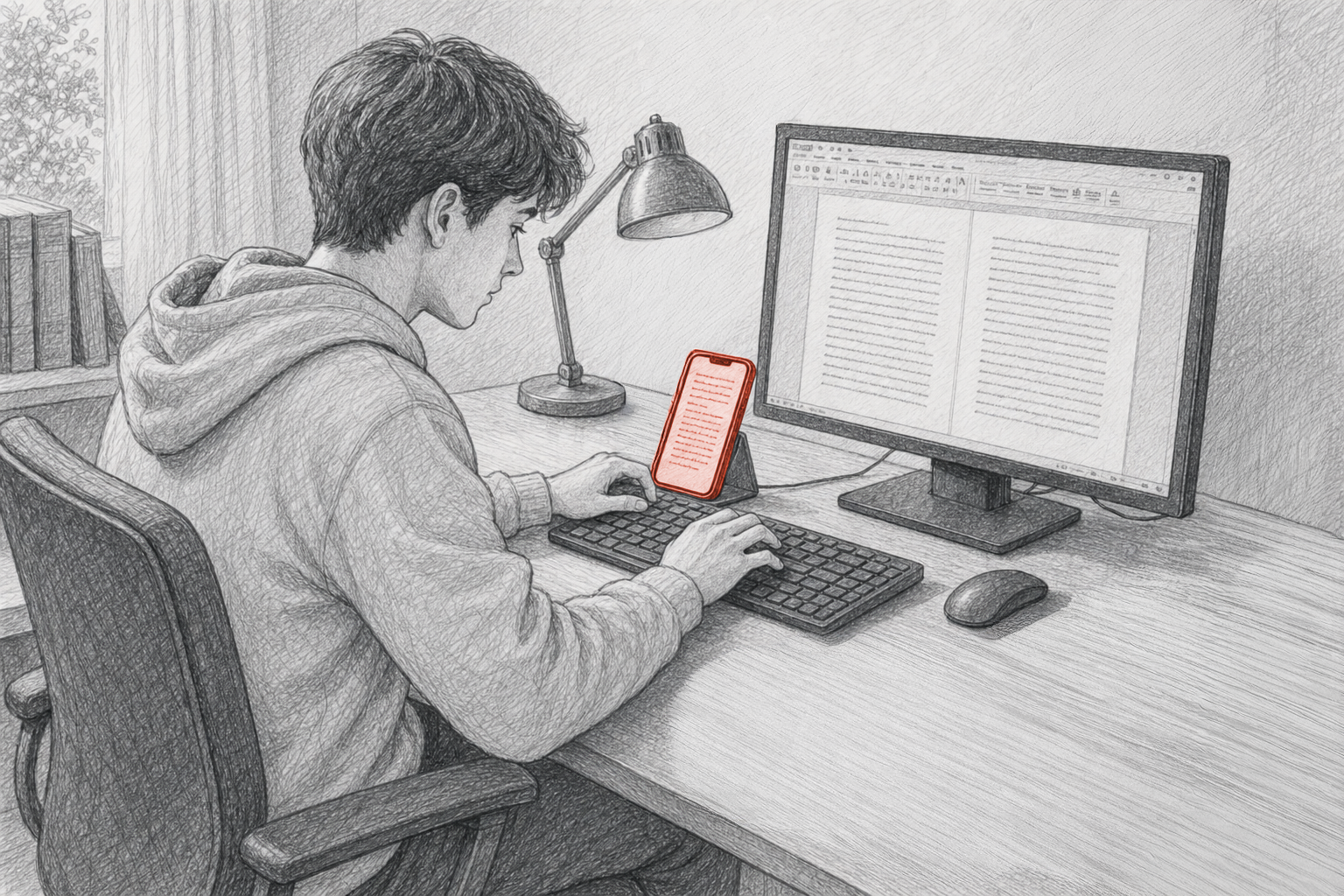
Supervised writing labs are classrooms or other spaces where students can work on their long assignments in their own time. As with classroom activities, MATCHA prevents AI misuse on the student's computer while the on-site proctor prevents other devices from being used. Proctors use MATCHA's Check-In feature to ensure that students don't continue working on their assignments outside the lab.
How MATCHA compares
MATCHA enables supervised writing labs by allowing writing supervisors to control when a document can be accessed and/or edited. Unlike traditional exam-taking software, MATCHA allows an activity to be continued across multiple sessions. No other product has equivalent functionality.
Case study
MATCHA began as a software solution for supervised writing labs at Western University. After experimenting with edit-tracking software, we found that far too many students, over 30%, were transcribing or auto-typing AI-generated essays. In most cases, however, the evidence was still not strong enough to support a formal academic offense. That limitation made edit-tracking alone an inadequate response.

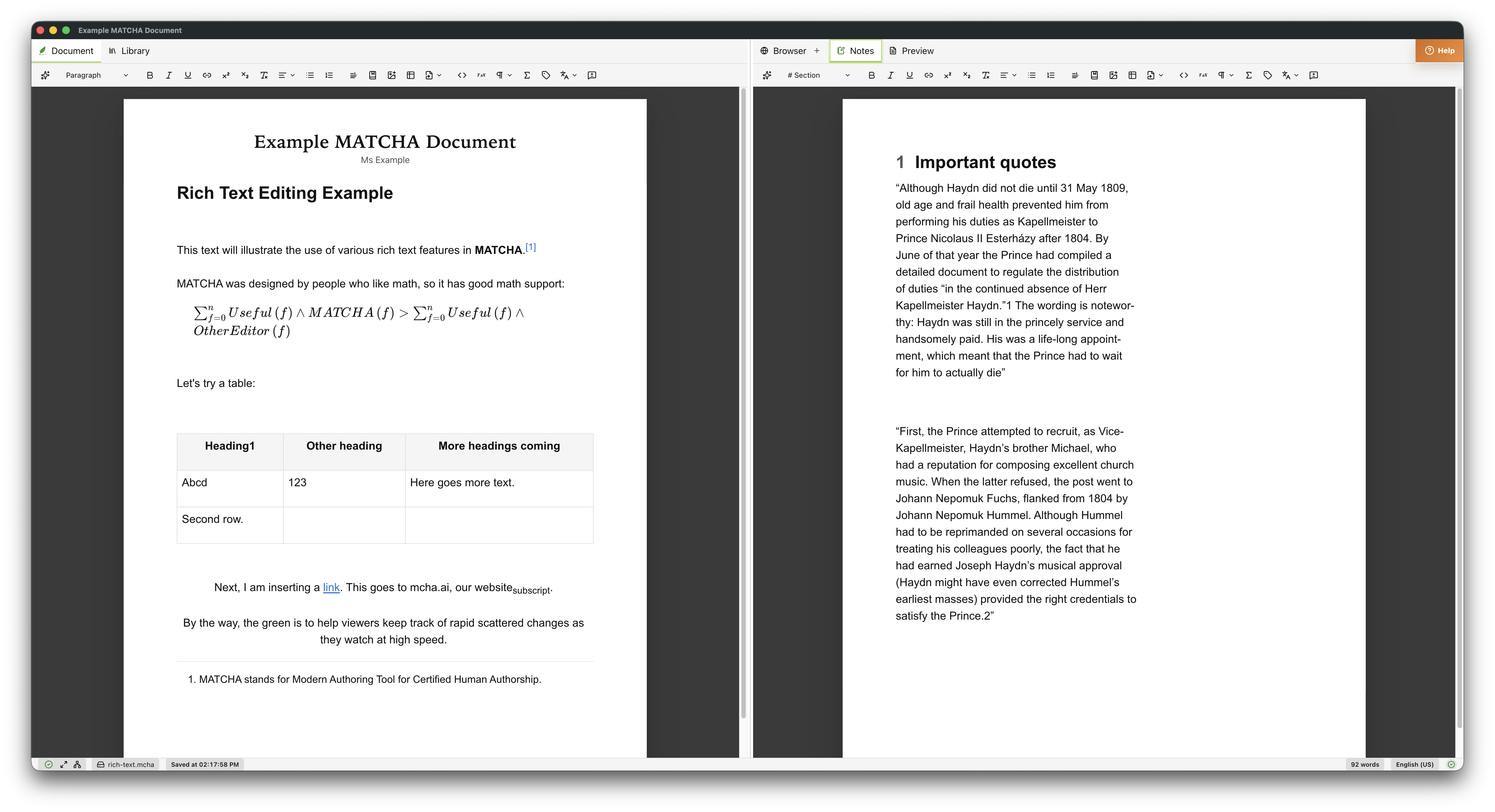
At the end of class, the MATCHA attendance sheet will tell you who was in the activity for what time period, and you will know they were focused on taking notes. Reward submitting notes with participation points and you will significantly increase in-class engagement.
Accessibility compliance
MATCHA was designed for accessibility from the beginning. It is screen-reader-friendly and easy to navigate with a keyboard.
View accessibility detailsComplete privacy and security
MATCHA is an installed desktop app, so students' personal information never has to be processed by third-party servers. It offers strict privacy operating modes respecting the highest levels of privacy, from No Personally Identifiable Information shared to Zero Trust.
Read more